

A professional tool
Nikon released a new version of this flagship range in spring 2016, called the D5. That may mean a few more used D4S bodies are now available, so anyone dreaming of owning one might have an opportunity to buy it at a reasonable price.
This trial is based on a weekend at the Neste Oil Rally and some further testing afterwards last summer.
The shutter mechanism, made from Kevlar and carbon fibre, is designed for hard use and should last 400 000 actuations.
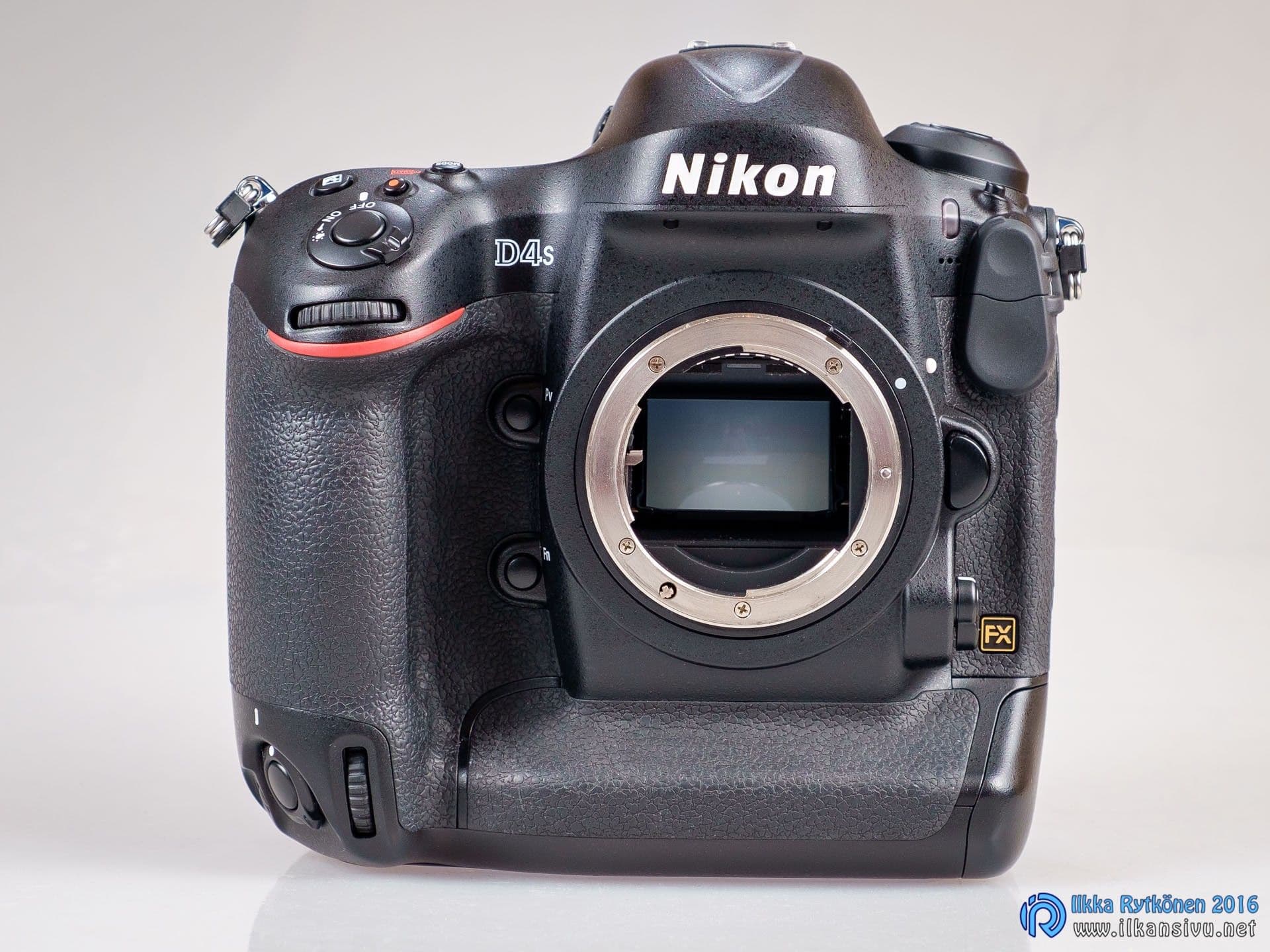
The D4S was released in early 2014, so it is hardly old for a professional camera. It has a 16-megapixel full-frame CMOS sensor and a large professional body. A conventional DSLR fitted with a battery grip is almost the same size. An integral battery grip keeps the body rigid in every situation. As is customary with this kind of equipment, the body is cast magnesium. It weighs 1350 grams, so this is a heavyweight tool. Weather sealing is naturally included, meaning bad weather need not stop a shoot. Of course, any moisture damage still tends to come out of your own pocket.
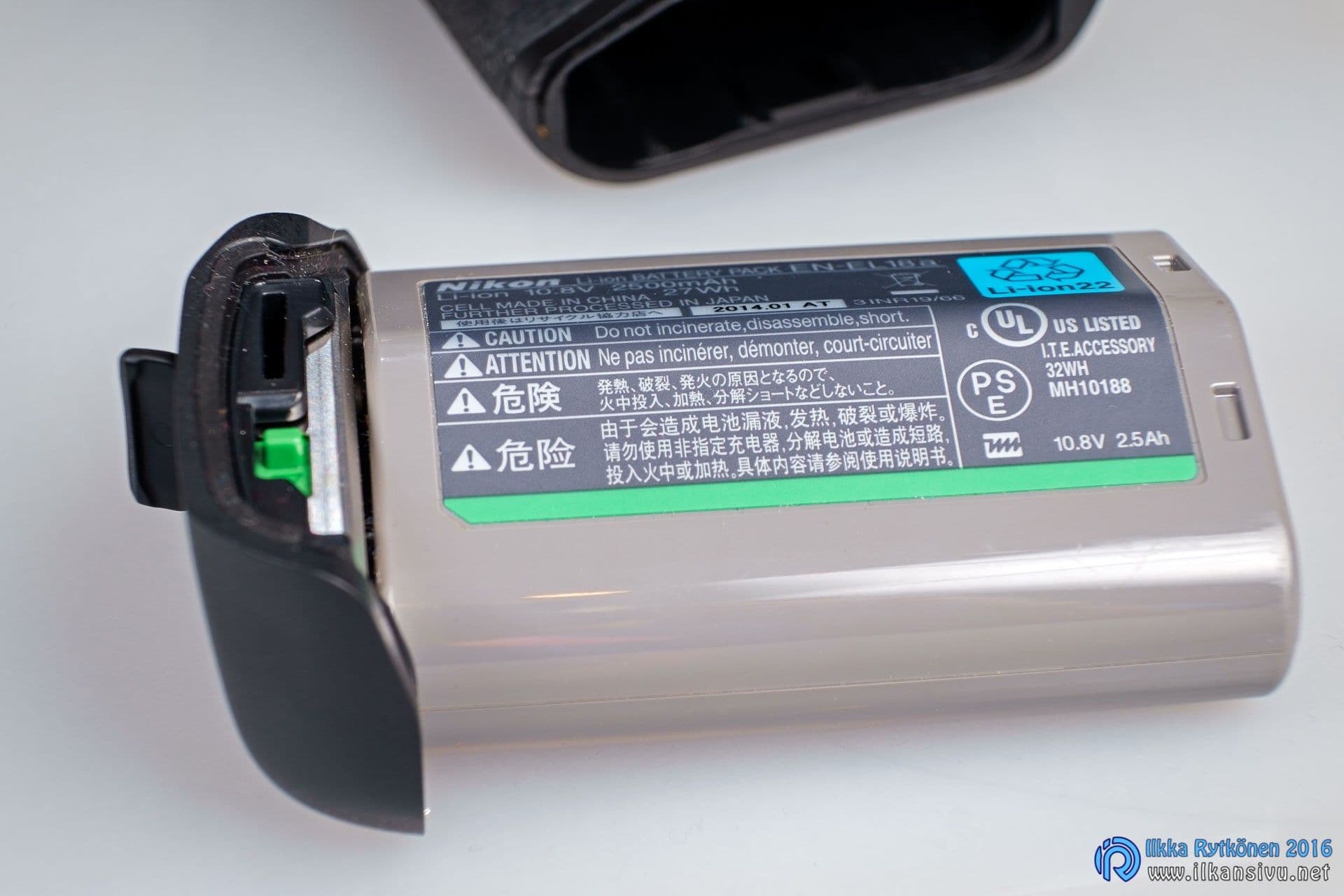
The battery is the size of a small compact camera, with a claimed capacity of more than 3000 shots. That is over 400 more photographs than the D4. The separate charger supplied with the camera can charge two batteries at once. The shutter mechanism, made from Kevlar and carbon fibre, is designed for hard use and should last 400 000 actuations. That will be useful, because at its fastest the camera fires 11 frames per second.
When recording to an XQD card, it can shoot 200 RAW photographs continuously at full burst speed.
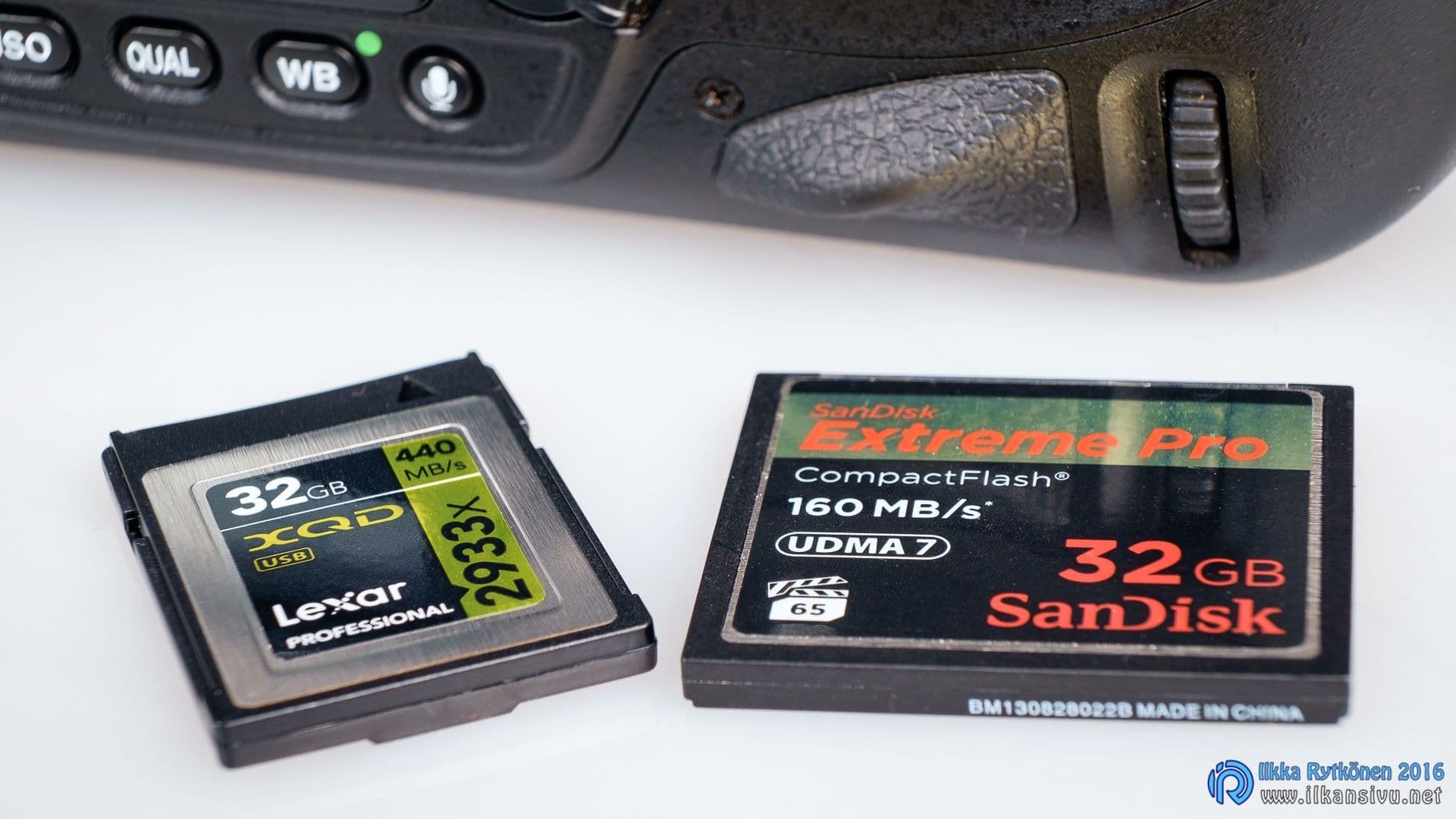
There are two memory card slots. One is a traditional CompactFlash slot and the other takes the very fast XQD format introduced with the D4. When recording to an XQD card, it can shoot 200 RAW photographs continuously at full burst speed. That is enough buffering even for a demanding photographer.
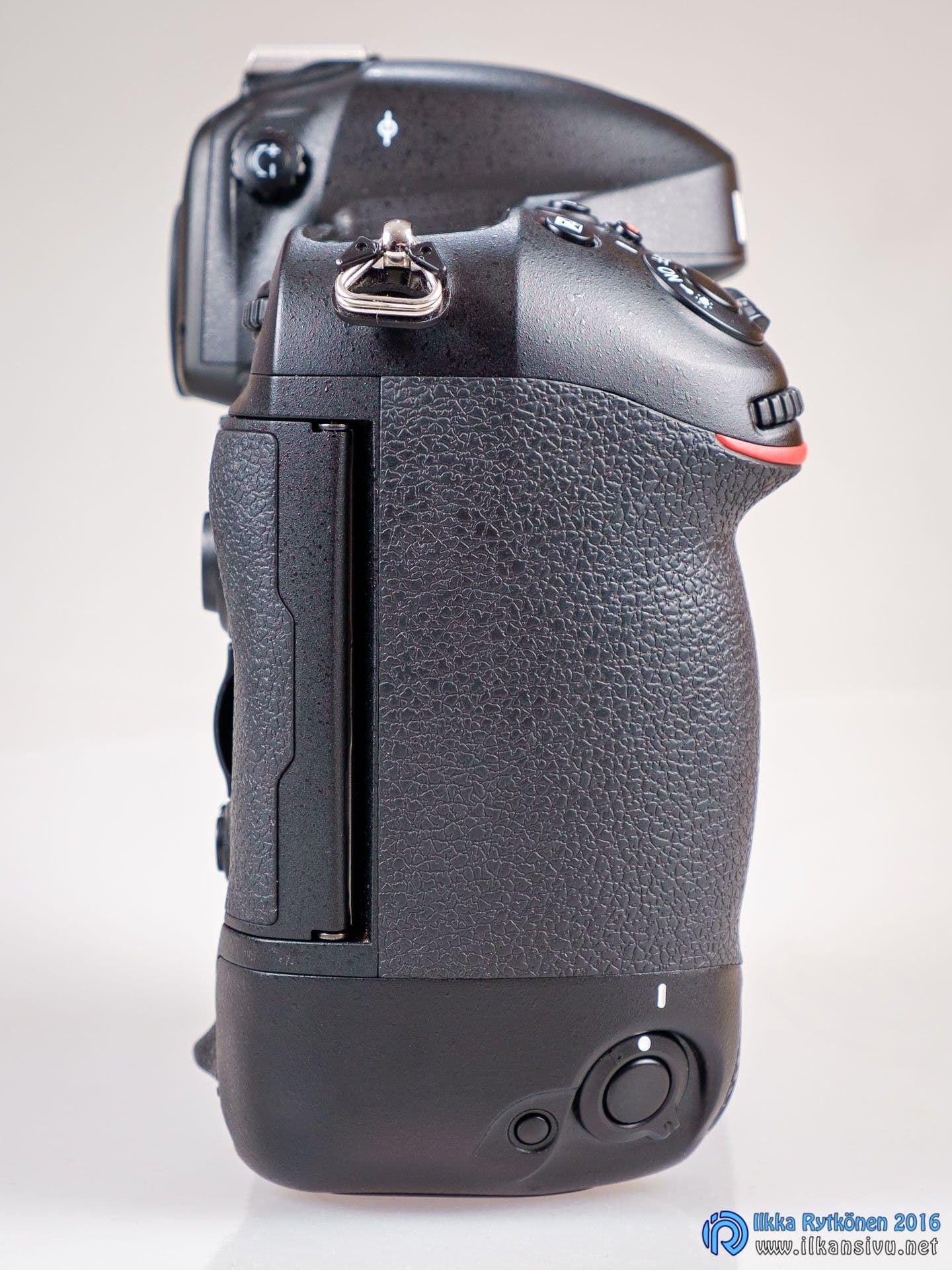
The body fits a large hand beautifully, and its good surface finish keeps your grip from slipping.
It has 51 autofocus points in total, and group-area AF is also available. An unusual feature of these big cameras is an Ethernet port, which appeared on Canon cameras at around the same time. At the London Olympics, all wireless camera remote-control systems were banned, so photographers used Ethernet to control their remote cameras instead.
In use
Handling
The camera feels extremely solid and durable in the hand. All the buttons and controls work firmly and precisely. There are no parts sticking out so far that they would fall off or break even during rough use. The memory card door release is beneath a cover, so it cannot open accidentally either.
On a few occasions, the camera fired bursts in time with my walking while hanging from its strap.
Because the camera itself is large and relatively heavy, it is very pleasant and well balanced with longer, heavier telephoto lenses. Smaller lenses also sit comfortably on it. The body fits a large hand beautifully, and its good surface finish keeps your grip from slipping.
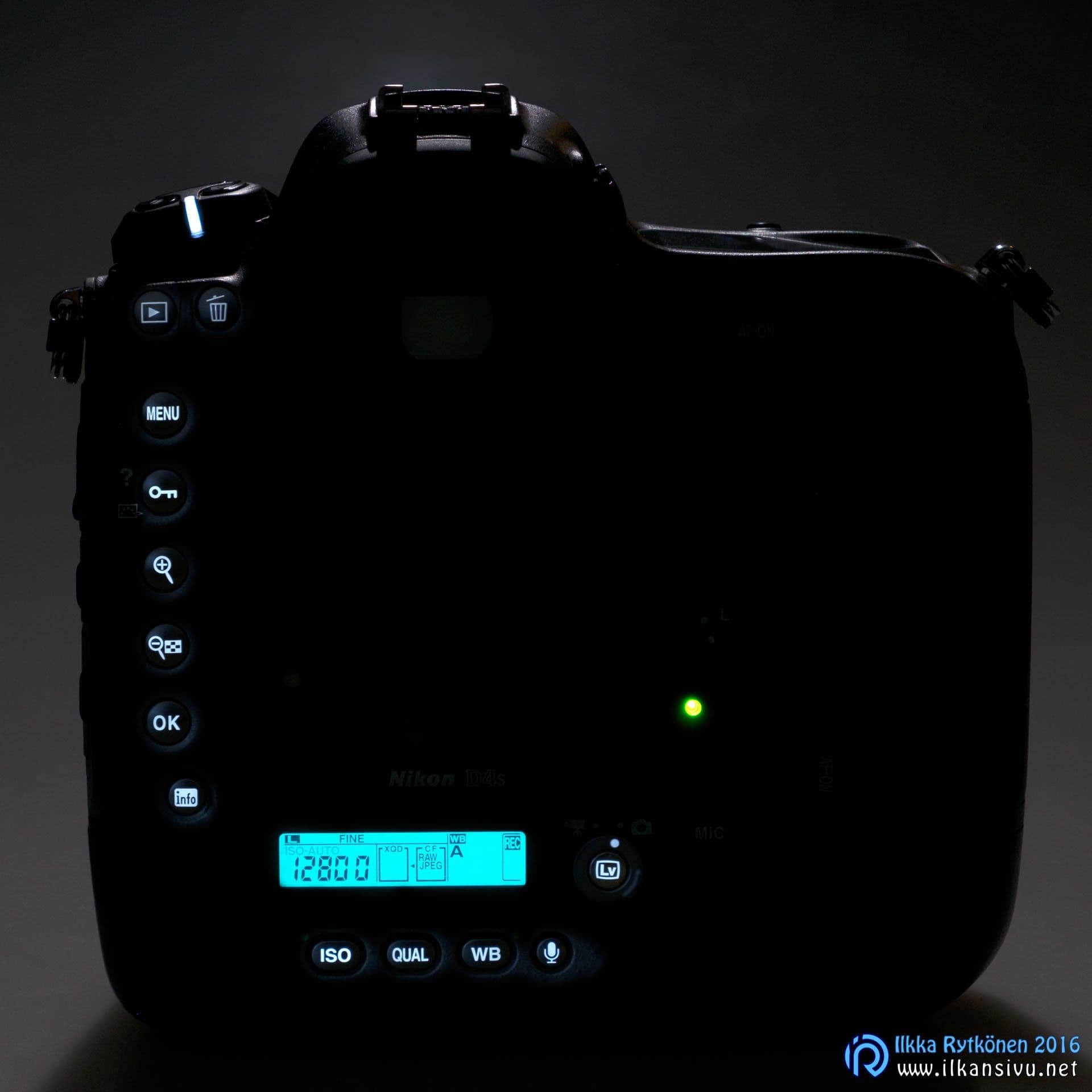
The shooting modes are the traditional P, A, S and M: there are no fully automatic programmes, let alone cat or landscape settings. Professionals and experienced photographers do not miss them. All the controls are easy to reach, so settings can be changed quickly. The buttons are also comfortably large and spaced far enough apart for the camera to be reasonably usable with gloves. A minor exception is the ISO, QUAL. and WB buttons below the smaller LCD screen, which are smaller than the other buttons and sit in a recess. The most important buttons are also backlit, which is welcome for night photography. Even once you know their positions by heart, the lighting is undeniably a pleasant addition.
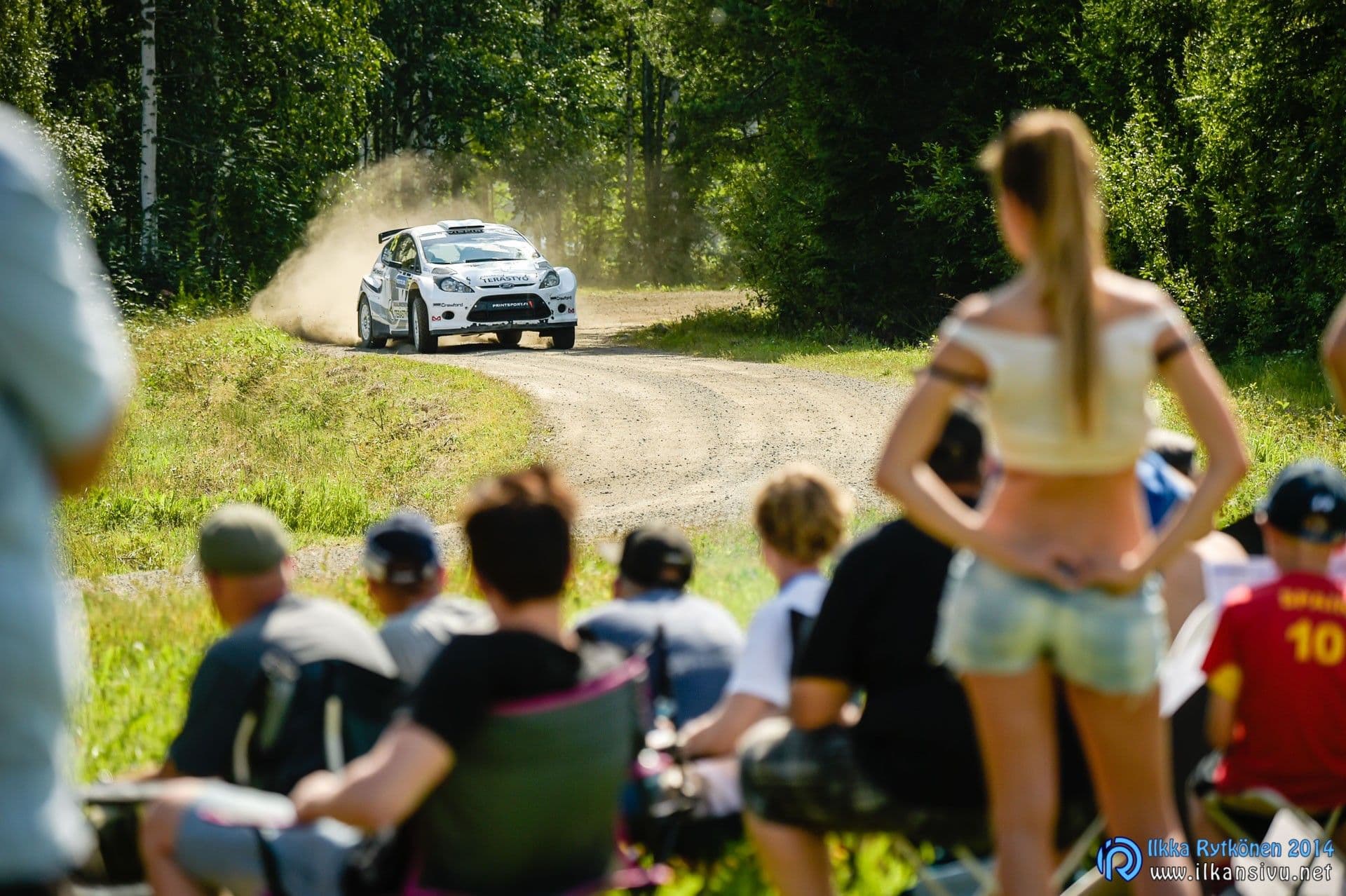
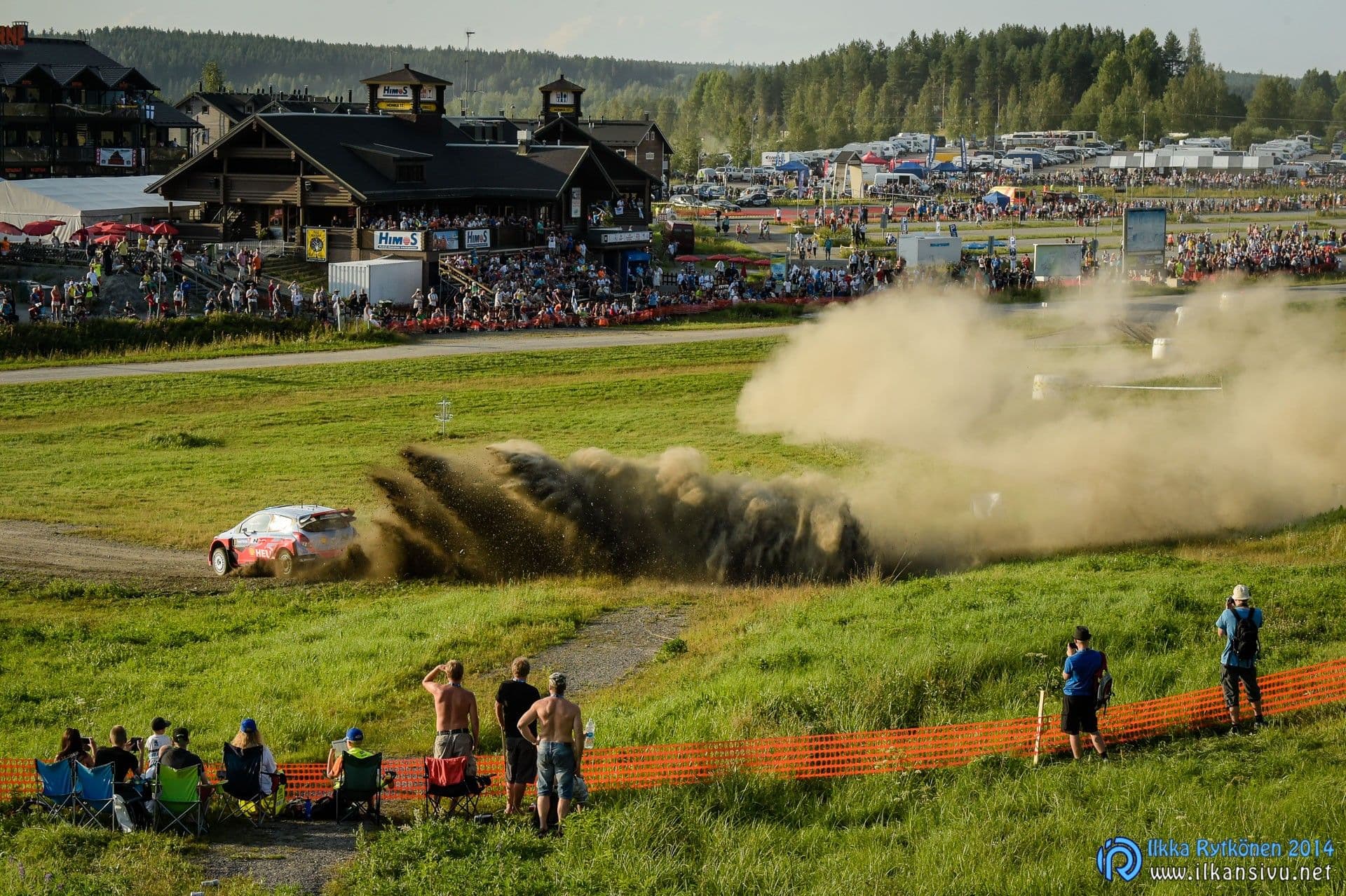
The screen nevertheless feels durable, and the sandy dust at the World Rally Championship event in Jyväskylä did not scratch it.
The most important buttons and dials are duplicated for portrait orientation. The portrait controls can be locked to prevent accidental presses. On a few occasions, the camera fired bursts in time with my walking while hanging from its strap. Portrait shooting is slightly hampered by the AF-ON button and autofocus-point joystick not sitting in the same positions under the thumb as they do in landscape orientation.
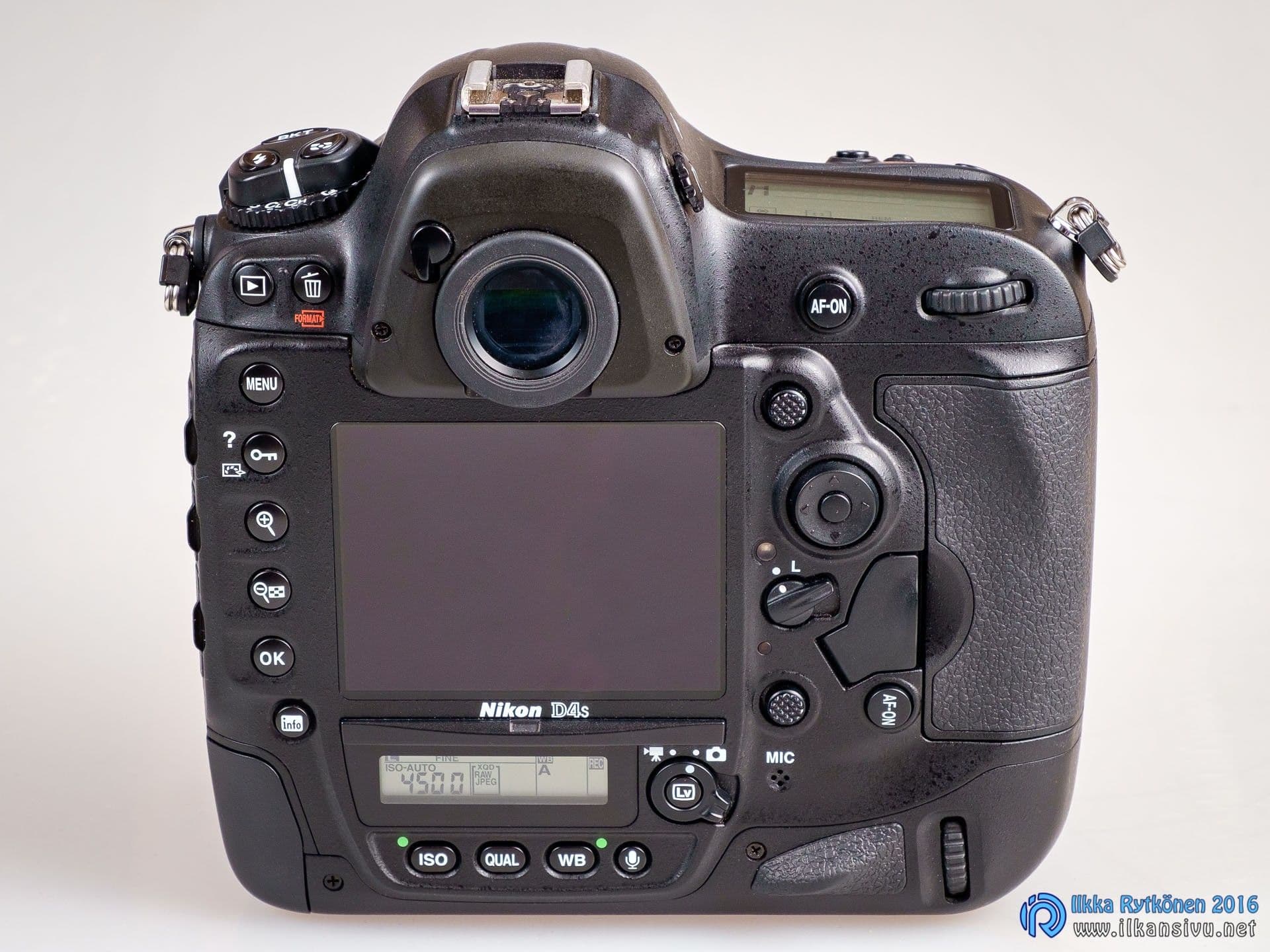
Between the joysticks there is a third button for moving the autofocus point. This is slightly confusing, because two would do the same job. With only two, the joysticks and AF-ON buttons could have been arranged symmetrically on the back, making it easier for muscle memory to find them when switching between landscape and portrait shooting. Judging by the photographs, this has not changed on the D5.
In the field
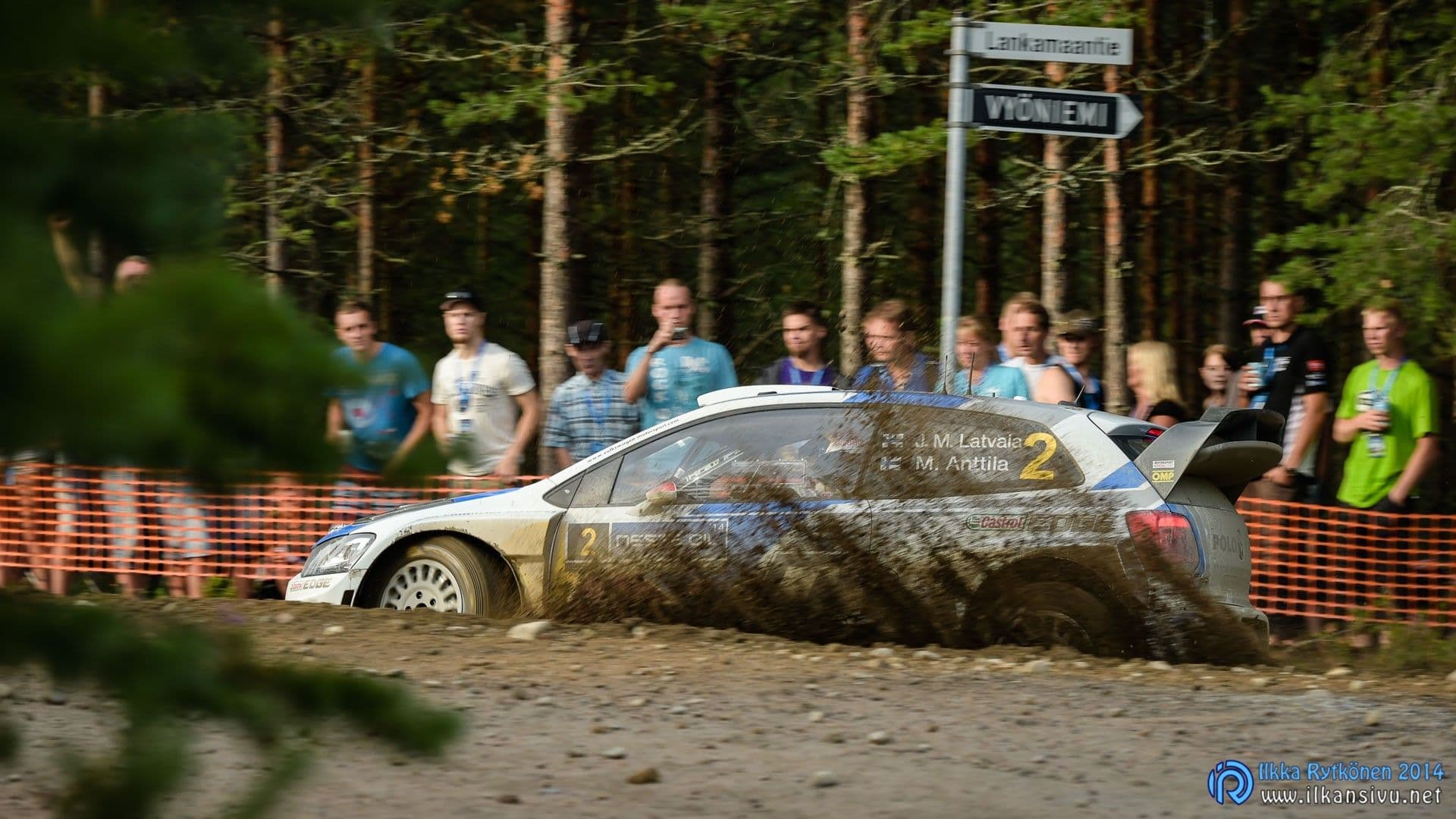
Many Nikon models come with a plastic screen protector. The D4S does not, although the camera appears to have mounting points ready for one. I think the D4 was the same. The screen nevertheless feels durable, and the sandy dust at the World Rally Championship event in Jyväskylä did not scratch it. I also had a D810 on the same trip for comparison; it comes with a screen protector. The plastic protector is so soft, however, that the first grains of sandy dust scratched it.
The viewfinder is large and shows 100 % of the frame. Its magnification is 0,7, slightly behind its fiercest rival, Canon’s EOS-1D X, with a magnification of 0,76. In practice, the difference is hard to see. The D4S viewfinder is a little easier to see with glasses than the Canon equivalent. Canon’s viewfinder seems slightly brighter, but that difference is small too.
The shutter is loud and impossible to miss from nearby; in a quieter setting the noise may become awkward.
Being used to an electronic viewfinder, it felt strange when a polarising filter darkened the viewfinder image. But that is how it works. A mirrorless camera’s viewfinder can simulate the resulting photograph, whereas a DSLR only shows its framing. Although an optical viewfinder darkens with certain filters or slower lenses, it operates at the speed of light. That is an advantage when shooting action in bursts: the subject is easy to keep in the viewfinder.
The mirror mechanism has been redesigned to keep the subject visible for longer between photographs during a burst. I have no older D4 here for comparison, but I cannot see a difference compared with the Canon EOS-1D X.
The shutter is loud and impossible to miss from nearby. You do not notice it when photographing sport or something similar, but in a quieter setting it may become awkward. A quiet mode is available and reduces the shutter noise somewhat. Compared with Canon’s flagship, there is no significant difference, despite claims to the contrary elsewhere.
Auto ISO is likewise first-rate.
A tilting screen would be a welcome addition for tripod work, but I doubt cameras of this kind will get one immediately. When a professional has kilos of lenses hanging from a shoulder, any protruding parts risk getting broken off in the bustle of a shoot. By default, live view cannot simulate exposure, but a silent mode can be enabled in the settings. Exposure simulation then becomes available. During my brief trial, though, I could not enable any manual controls in this mode, and ISO also went to automatic. Someone with more Nikon experience probably knows whether exposure simulation and full manual controls can be used together in live view.
The viewfinder has a built-in eyepiece shutter, closed with a lever beside the eyepiece. It prevents stray light entering the mirror chamber and affecting the photograph during tripod shooting, when your eye is not at the viewfinder to block it.
For tripod shooting, you need a remote release to avoid camera shake caused by pressing the shutter button. The self-timer can also be used, but on Nikon cameras it cannot be used together with mirror lock-up. Only one can be enabled at a time. The bracketing options are first-rate and conveniently accessed with a single button. Holding the button down and turning the dials finds a suitable combination for every situation.
Auto ISO is likewise first-rate, and its settings are very easy to adjust to suit the situation. Shutter speed can be left to the automatic system, with its bias shifted towards shorter or longer exposures. It takes the focal length in use into account. You can also set the minimum shutter speed yourself.
The metering options lack the highlight mode added to newer Nikon cameras, which protects highlights. That would sometimes be useful for easily capturing a full tonal range in challenging conditions. Of course, you can compensate by applying enough negative exposure compensation. Whether highlight metering is available or not, this approach does not produce a finished photograph straight from the camera: processing is needed. It calls for good sensor dynamic range to keep the shadows clean without excessive noise. The D4S may not be at its strongest here, but it is nevertheless usable.
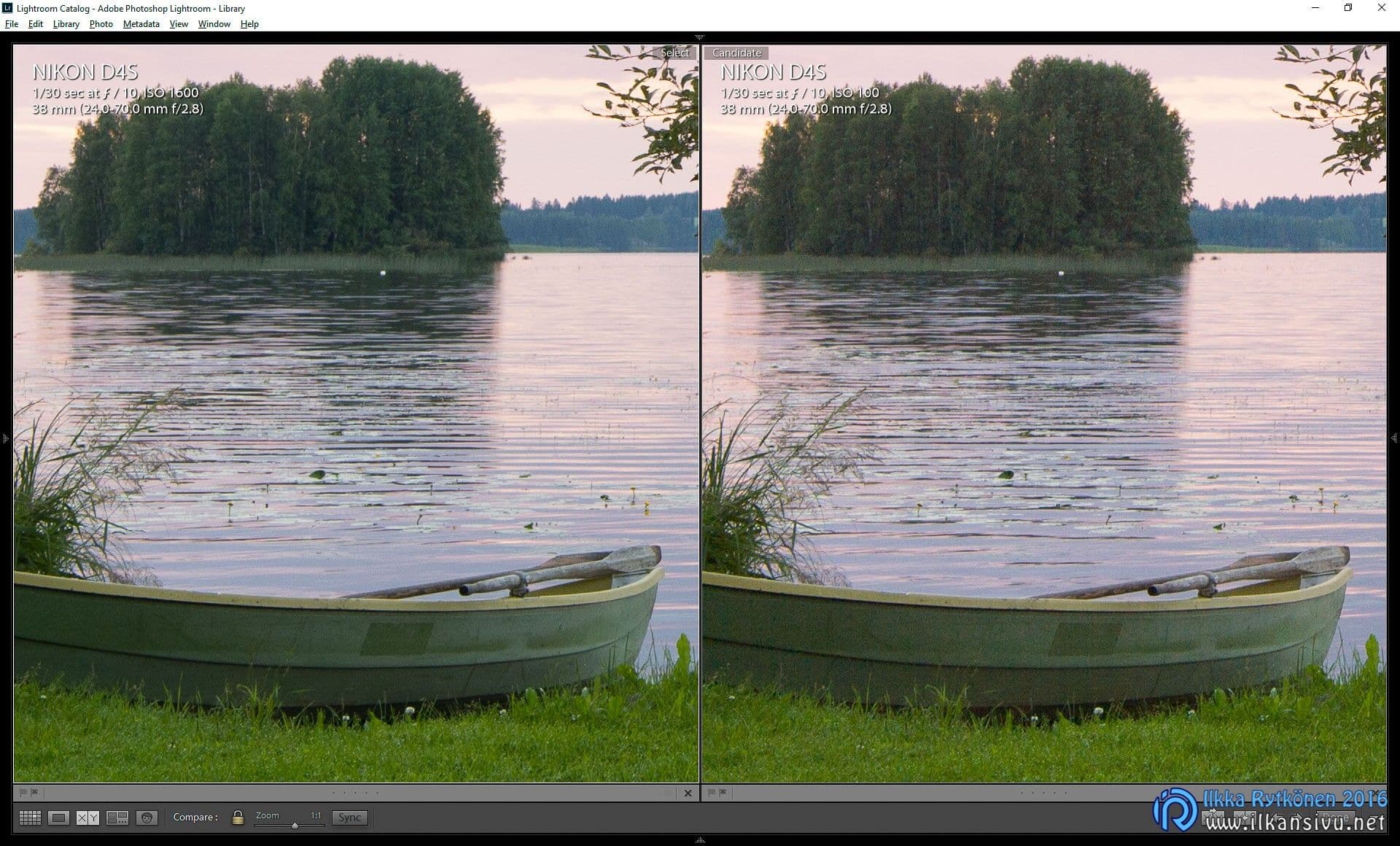
RAW photographers will appreciate the large JPG preview stored inside a NEF file. It makes it possible to check image sharpness reliably on the camera screen. Many cameras store a small, heavily compressed jpg inside a RAW file, which is not much use.
Autofocus
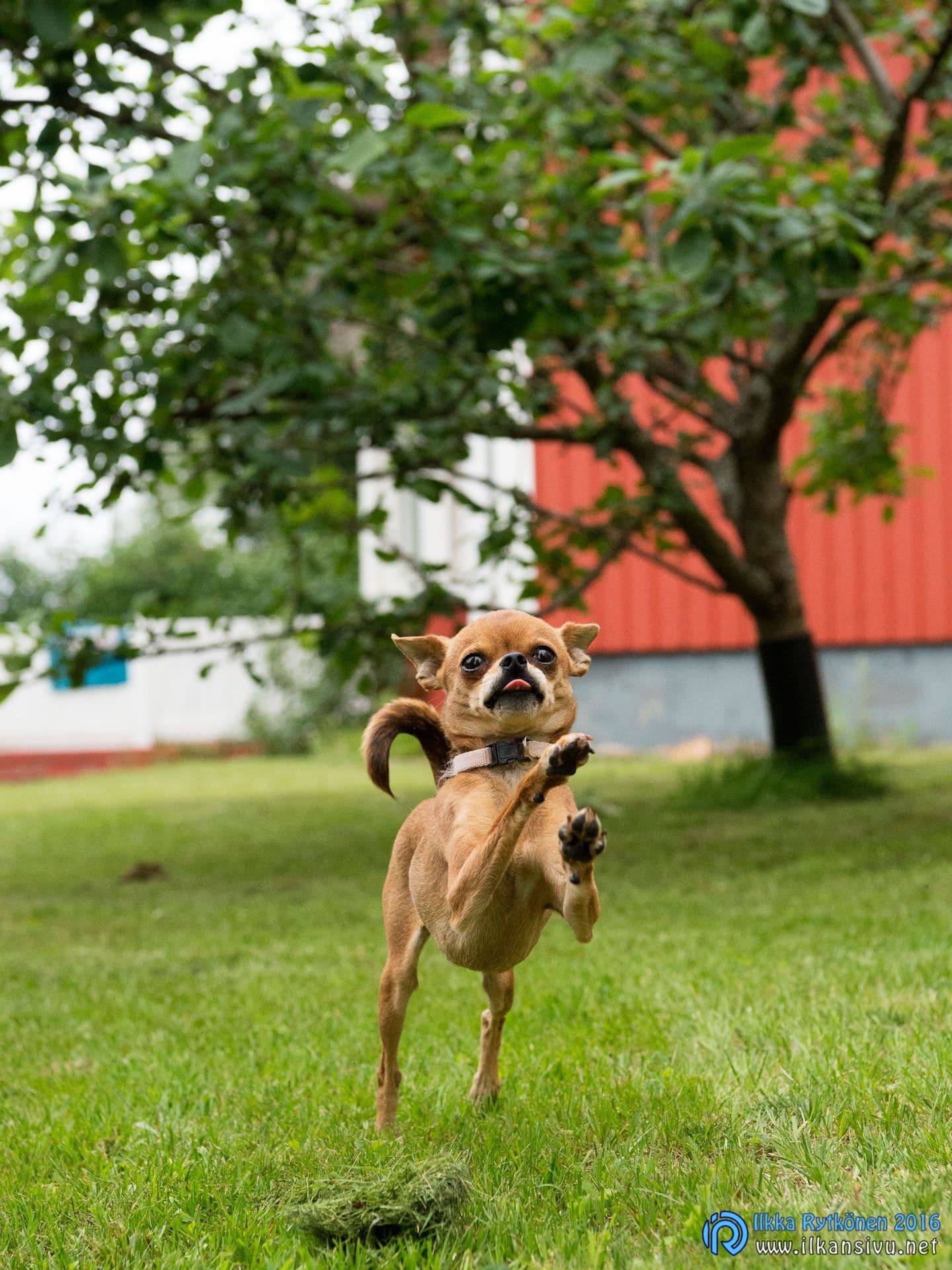
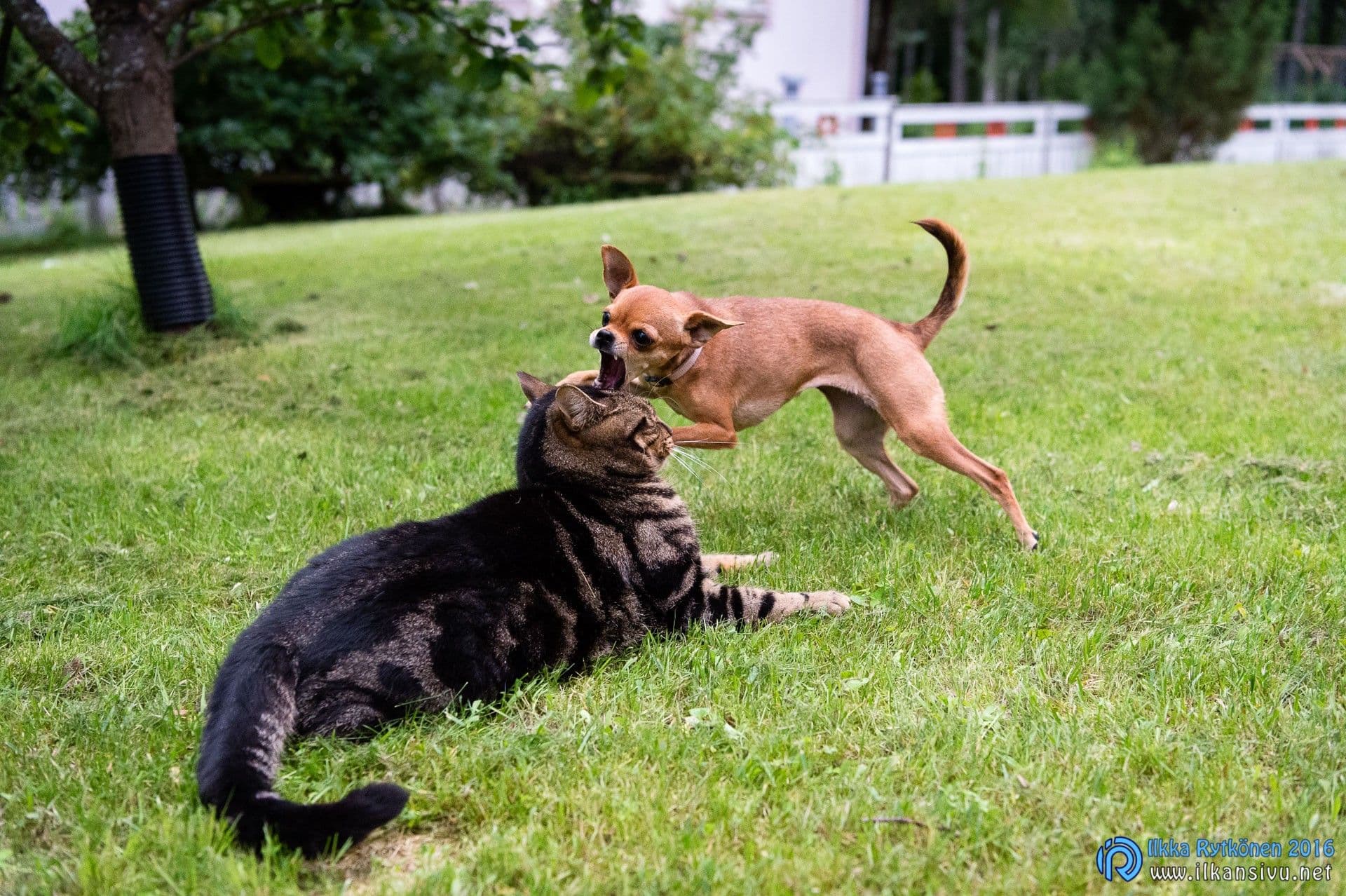
There is nothing to complain about in focusing: everything works extremely quickly and accurately. Switching between single and continuous autofocus is straightforward and can be done without taking your eye from the viewfinder. A single point is the most convenient option for single autofocus, while moving subjects can be followed with various sizes of dynamic areas and excellent 3D tracking. It seems to keep a moving subject comfortably under control. Even a dog bouncing towards the camera was focused well with a relatively wide-angle lens. Keeping the subject in the viewfinder was difficult at first, but that was the photographer’s delay.
There is a large AF-ON button on the back, so back-button focus users have been considered. The shutter button can be left to release the shutter alone, or also lock exposure. For moving subjects, it is often better if the shutter button does not start focusing. You can keep tracking focus with your thumb and use the shutter button for considered bursts at decisive moments.
Back-button focus is pleasant in other kinds of photography too. For example, when photographing landscapes from a tripod, you never need to switch the camera separately to manual focus: focus when needed with the AF-ON button.
Fast cards required
I tested how many losslessly compressed 14-bit RAW photographs the camera could shoot at its fastest burst speed to different memory cards. With the Lexar XQD card, I did not reach the claimed 200 photographs: the best runs recorded about 140 before the buffer filled. Some attempts reached only 80. Yet in a D500 the same Lexar card recorded the full 200 photographs, and after briefly releasing the button it took another 200 RAW photographs without any problem.
Memory card speed therefore matters, and the Nikon D4S genuinely benefits from fast cards.
| RAW | Lexar XQD 32GB | Sandisk Extreme Pro 32GB 160 MB/s | SanDisk Extreme Pro 16GB 90 MB/s | SanDisk Extreme 16GB 60 MB/s | SanDisk Extreme IV 8GB 45 MB/s | SanDisk Extreme III 8GB 30 MB/s |
|---|---|---|---|---|---|---|
| Time to fill | 13,5 | 8 | 7 | 6 | 5 | 5 |
| Write time | 4,5 | 9 | 10 | 15 | 27 | 31,5 |
| Number of photographs | 135 | 77 | 65 | 61 | 52 | 51 |
For comparison, I repeated the test with the highest-quality JPG files. As expected, burst lengths increased clearly. Buffer write times stayed the same with the slowest cards. With the fastest cards, the buffer emptied considerably faster. More of the buffer is being written during shooting, so most photographs are already on the card when the maximum number has been reached. The camera can take a maximum of 200 photographs in a row,
| JPG | Lexar XQD 32GB | Sandisk Extreme Pro 32GB 160 MB/s | SanDisk Extreme Pro 16GB 90 MB/s | SanDisk Extreme 16GB 60 MB/s | SanDisk Extreme IV 8GB 45 MB/s | SanDisk Extreme III 8GB 30 MB/s |
|---|---|---|---|---|---|---|
| Time to fill | 20 | 20 | 20 | 18 | 12,5 | 12 |
| Write time | < 0,5 | 5 | 9 | 15 | 27 | 31 |
| Number of photographs | 200 | 200 | 200 | 182 | 126 | 119 |
Memory card speed therefore matters, and the Nikon D4S genuinely benefits from fast cards. XQD cards get the most from this camera. Even the fastest CompactFlash cards cannot approach the performance available with XQD. That is also reflected in card prices, of course, but you get what you pay for.
Customisation
The camera offers a good range of customisation options. The two front buttons can be assigned to preferred functions, as can the video button. The menus provide plenty of adjustment for demanding users. Some might say there is too much to adjust, but you do not have to change everything.

Some people apparently like assigning ISO adjustment to the video button. I tried this arrangement and think the default position is better.
Image quality
Image quality is very high, as you would expect. ISO can safely be raised while quality stays good and noise low. ISO 6400 is still very clean, and 12800 is very usable. If necessary, 25600 could still be used.
Dynamic range is not quite Nikon’s best, but a good tonal range can still be captured. At the base sensitivity of ISO 100, exposure can be raised by roughly three or four stops. Naturally, the latitude for adjustment diminishes as sensitivity rises.
Nikon D4S dynamic range


1/160 s, f/4, ISO 125, 70 mm: Exposure +2,40, highlights -76, shadows +90.
Slow USB
The camera’s USB connection is the traditional mini-USB, with modest USB 2.0 speed. A card reader is therefore essential for smoothly copying files to a computer. Transferring 32 gigabytes by cable takes roughly half an hour, so it is unsuitable when you are in a hurry. XQD users will need to buy an additional card reader, because no general-purpose reader supports that card type yet.
Who is it for?
Action photographers wanting uncompromising quality
The body is extremely capable in many respects, but certainly not the best choice for every photographer. The D4S suits you if you need:
- good weather sealing
- extremely strong mechanical construction
- 11 frames per second with a large buffer
- first-rate focusing on moving subjects
- and are prepared to carry heavy equipment
If you do not need those things, a cheaper body will offer more in other areas. For example, the D810 weighs less, offers higher resolution and better dynamic range, and is quieter. The intended use determines which tool suits each person best.
Would I settle for a D4 or buy a D5?
The D4 may also be a serious alternative if you find one used. You would compromise a little on the sensor and consequently the lower sensitivities, burst speed, battery life, group-area autofocus, the ability to shoot smaller 8-megapixel RAW photographs, video frame rate, a much smaller number of interval photographs and a slower Ethernet connection.
What if the D5 were tempting? What would it offer compared with the D4S? The sensor and processor would be new, increasing the pixel count and adding sensitivities reaching remarkably high values. It would add around a hundred autofocus points, work in even lower light and probably be a little faster than the D4S. Nominal burst speed would rise to 12 frames per second. Video users might also be interested in 4K video.