
A smartwatch, a heart rate monitor or an activity band
In the past there were only traditional heart rate monitors for measuring heart rate and time. At some point pedometers arrived, and they were the hit of their day. Heart rate monitors developed, and their data could be transferred to a computer for a training diary. Later, GPS add-on pods made it possible for heart rate monitors to measure distance and speed, but the route could not be saved. With smartphones and sports apps, those who wanted could put not only speed but also routes on a map. Heart rate monitors developed further and got built-in GPS and routes on a map. And as the mobile era dawned, training diaries moved from hard drives to the cloud.
Once pedometers had already sunk into oblivion, activity bands arrived on the market. After they had broken through, they came out from various manufacturers like mushrooms after rain. Activity bands have not, however, been adequate devices for an active exerciser who wants to measure their workouts more precisely and in more variety. The data available during a run is also nothing special on activity bands.
Others, in turn, have become enthusiastic about smartwatches, which have also appeared on the market in large numbers. Some of the devices measure heart rate, or perhaps more accurately pulse, from the wrist. But these devices are, for the most part, fairly half-baked for tracking and analysing sports. They could be called half-baked in many other respects too, at least for now.
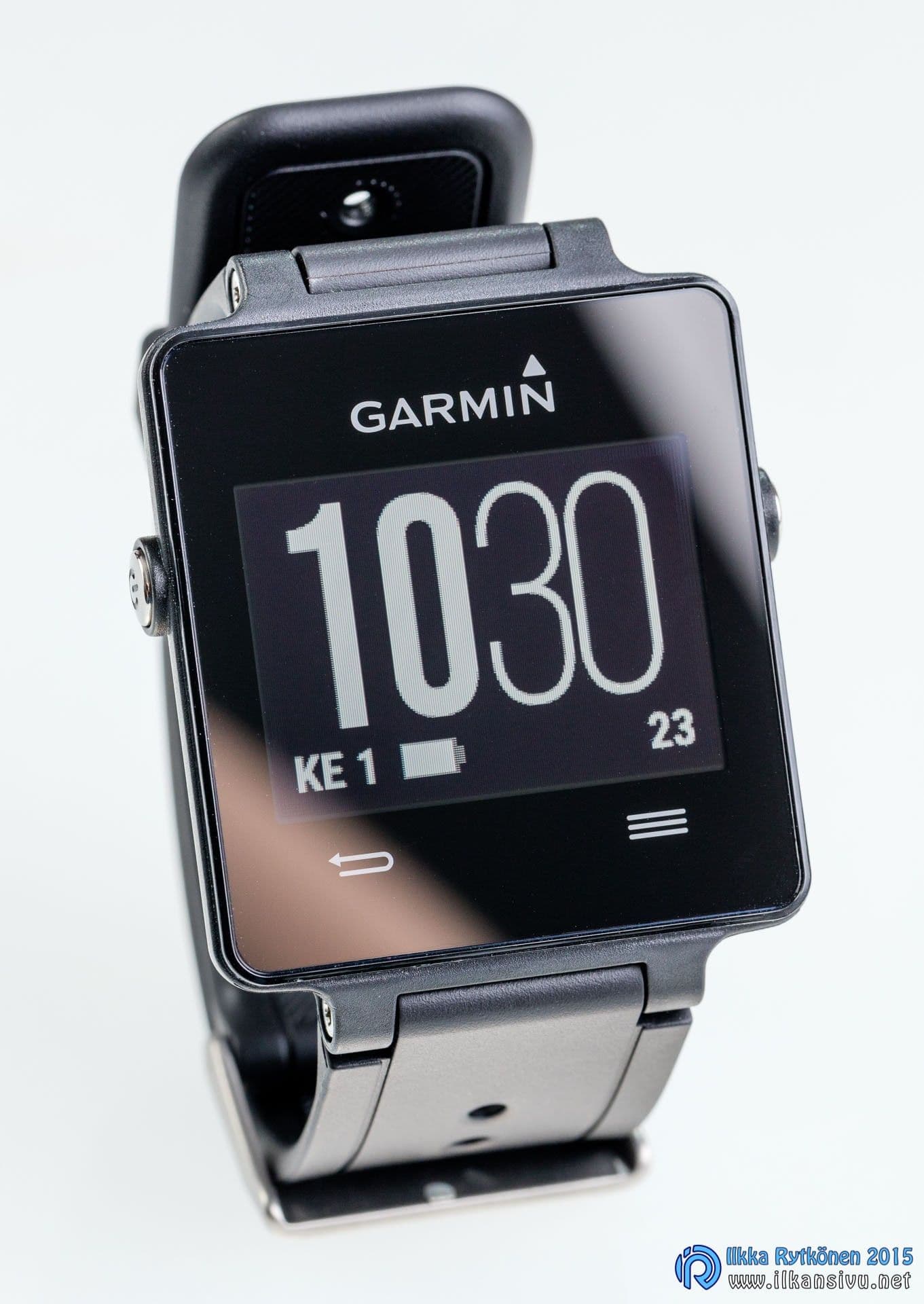
Heart rate monitors have come to the market that have the functions of activity bands built in. Some of the watches have also inherited features from smartwatches, so all three categories combine in them. One such device is the Garmin vívoactive that is now under test.
Evaluation criteria
I evaluate the use and functions of the Garmin Vívoactive according to my own needs. I want a product like this to be suitable above all for sports, in this case skiing and roller skating, and for analysing those workouts and keeping a training diary. This review is based on a little over a month of use.
The watch and the sales package
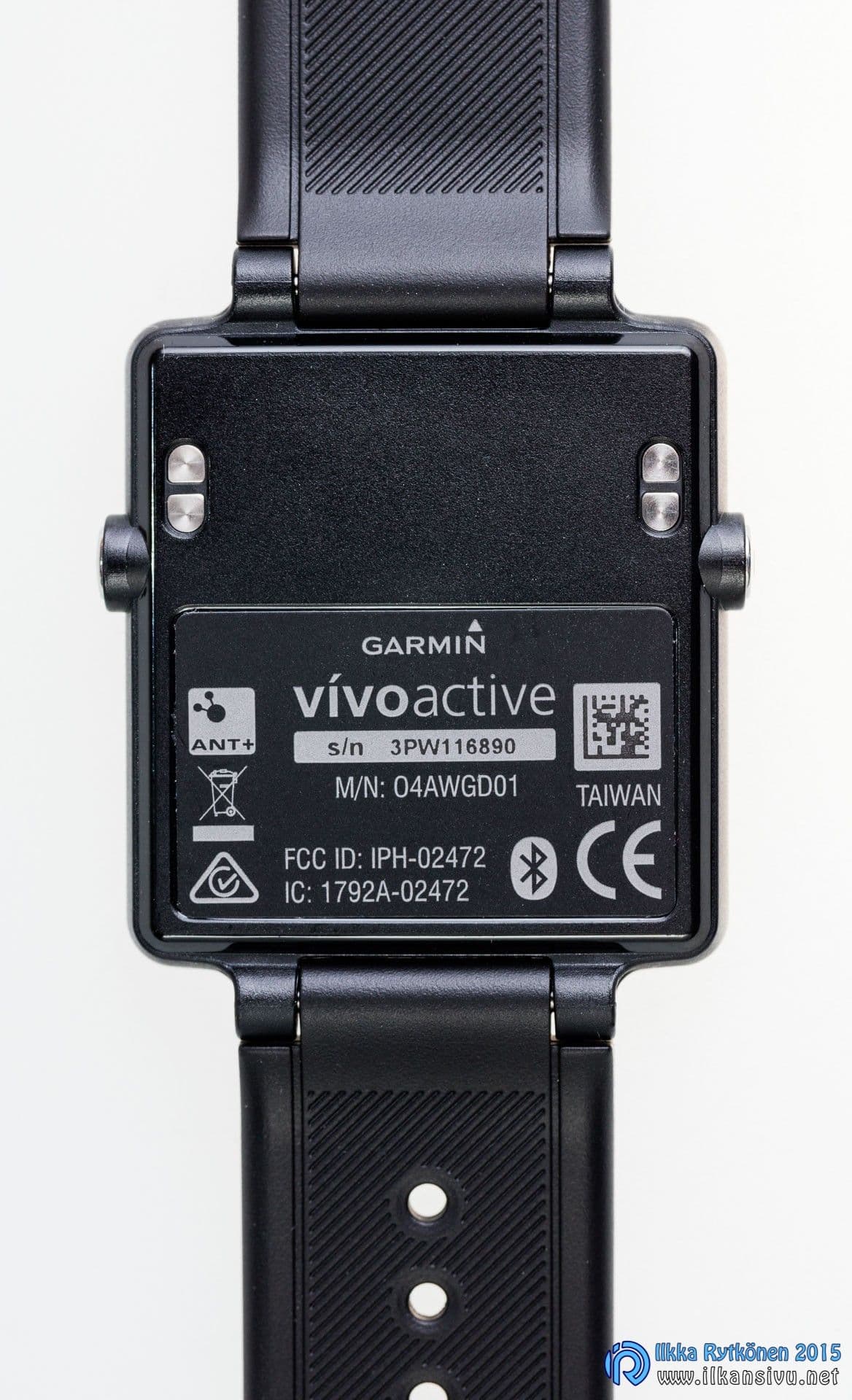
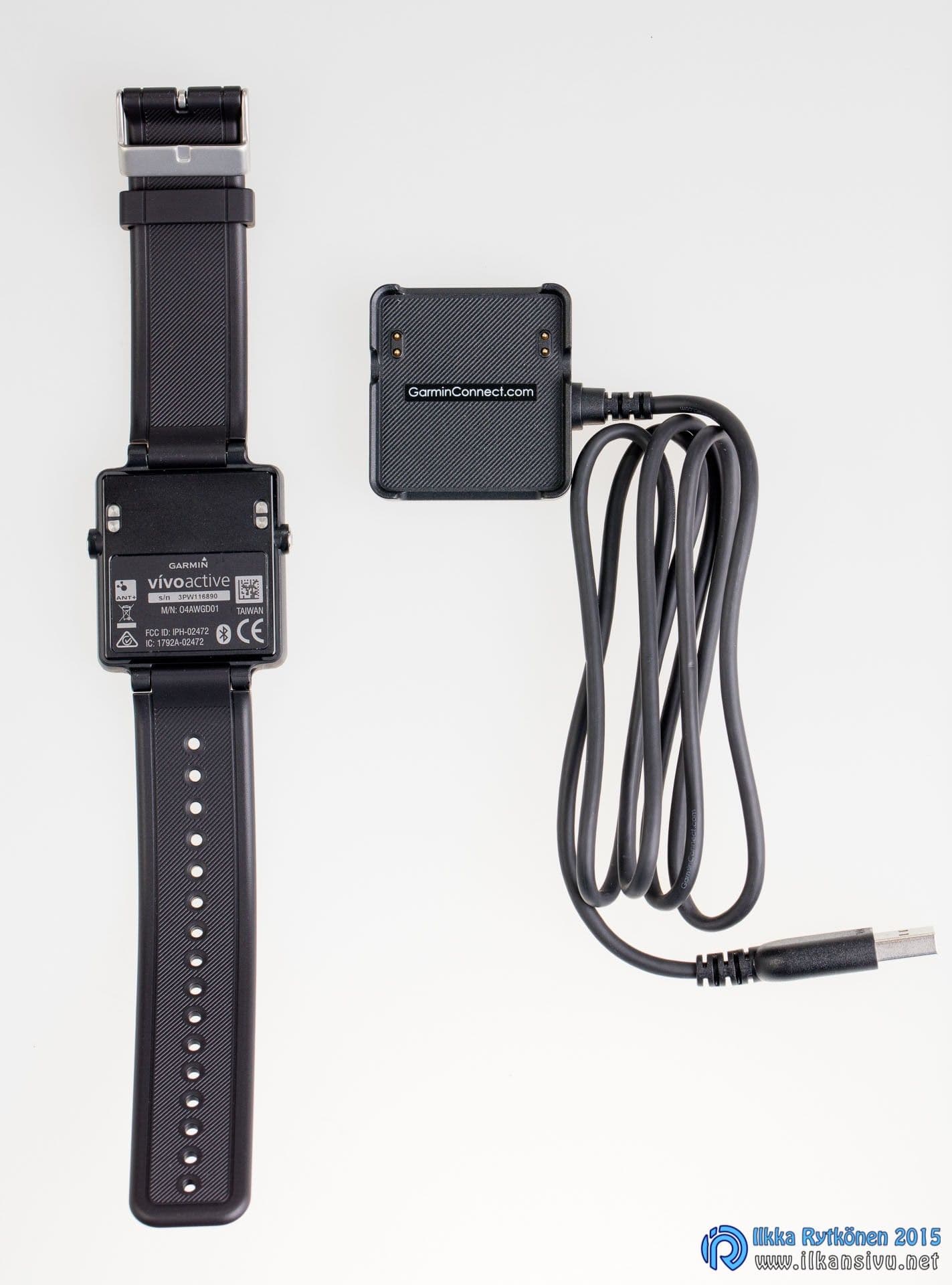
The Garmin vívoactive is delivered in a small package containing the watch itself and a magnetic charging dock. A charger is not included in the package, but the watch can be charged from a computer or from mains power with a USB charger. The watch comes in black or white. Interchangeable straps in other colours are also on sale for the device. The charging dock is a little large, but one of the best. The watch snaps into the correct position with the help of the magnet. With other heart rate monitors and watches, the charging dock often has to be positioned precisely in the right orientation.
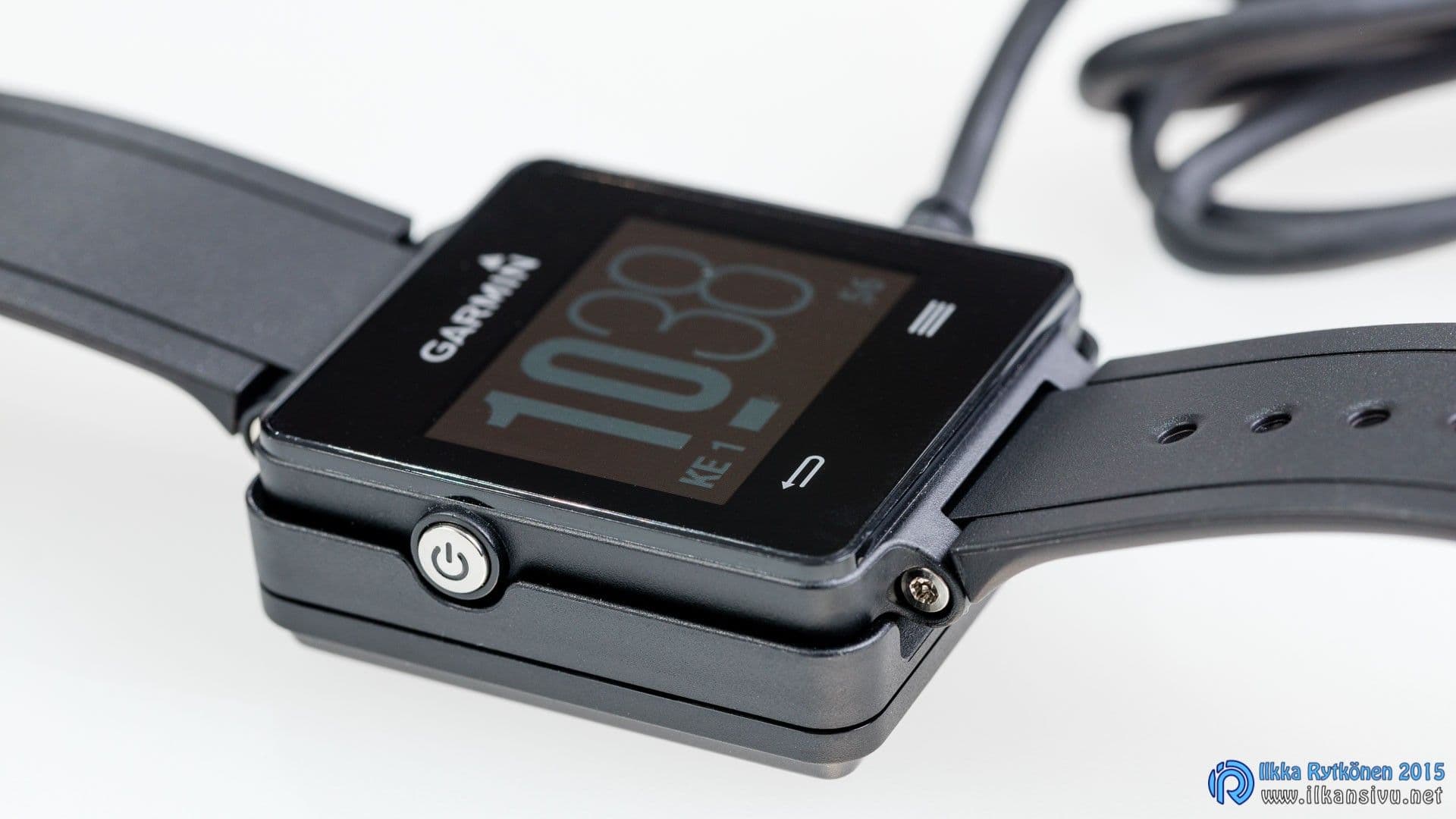
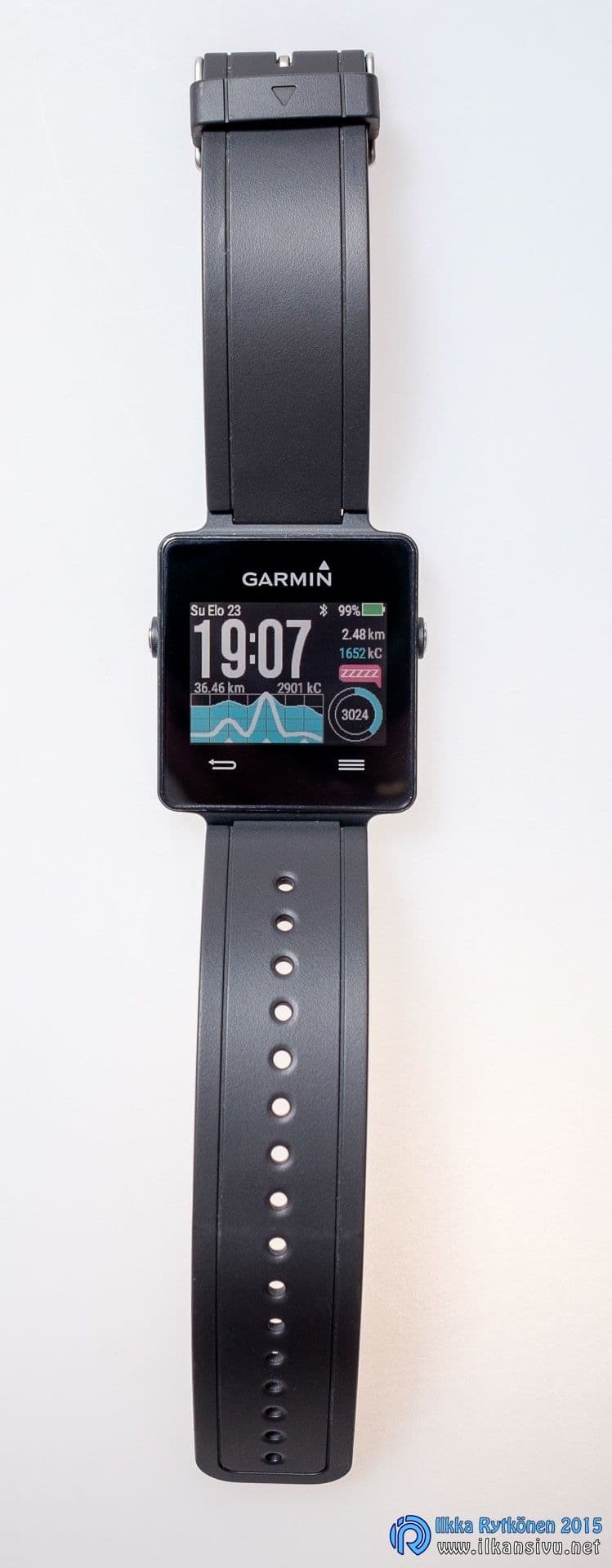
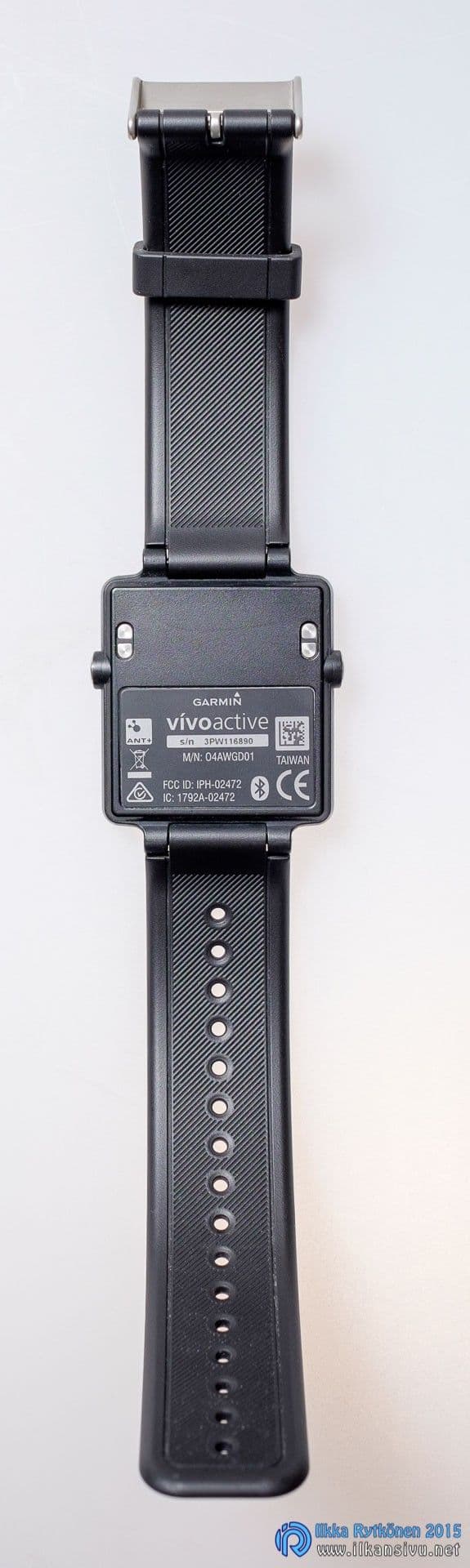
The watch itself is rectangular, and opinions on its looks may differ. But the device is light and slim and sits comfortably on the wrist. The battery life is promised to be as much as three weeks in watch mode. With GPS on in workout mode, the battery should last ten hours. There are two physical buttons, one on each side of the device. The left button works as the power switch and also turns on the display backlight. The right one is the action key, which is used to start a workout. There are two touch-operated buttons: one is a back button and the other opens a pop-up menu. There would have been room for these as proper buttons, which would have improved usability.
Setup
Setting up the watch requires a computer or a suitable smartphone and a Garmin Connect account. Creating the account can also be done with a phone. You enter your personal information in Connect and link the device to this account. The device settings can be edited with the phone app or on the web. However, not everything can be adjusted with the phone, so it is worth visiting Garmin Connect in a web browser anyway, to make sure no setting is left wrong.
It is worth visiting Garmin Connect in a web browser anyway, to make sure no setting is left wrong.
Even if you have enabled metric units in the settings, you still have to go separately to the watch to set the weather view to Celsius instead of Fahrenheit. The setting is found behind quite a few menus.
The display is thus a colour display that responds to touch. The touch screen does not work in the best way, and using it with gloves on can almost be forgotten. For comparison, the Sony SmartWatch 3, for example, has a touch screen that works well with gloves. The display has no backlight, so in low light it is not very easy to read unless you turn the light on. In sunlight, on the other hand, the display is very clear and legible. Different watch faces can be downloaded, for different purposes if you like.
The touch screen does not work in the best way, and using it with gloves on can almost be forgotten.
Activity tracking
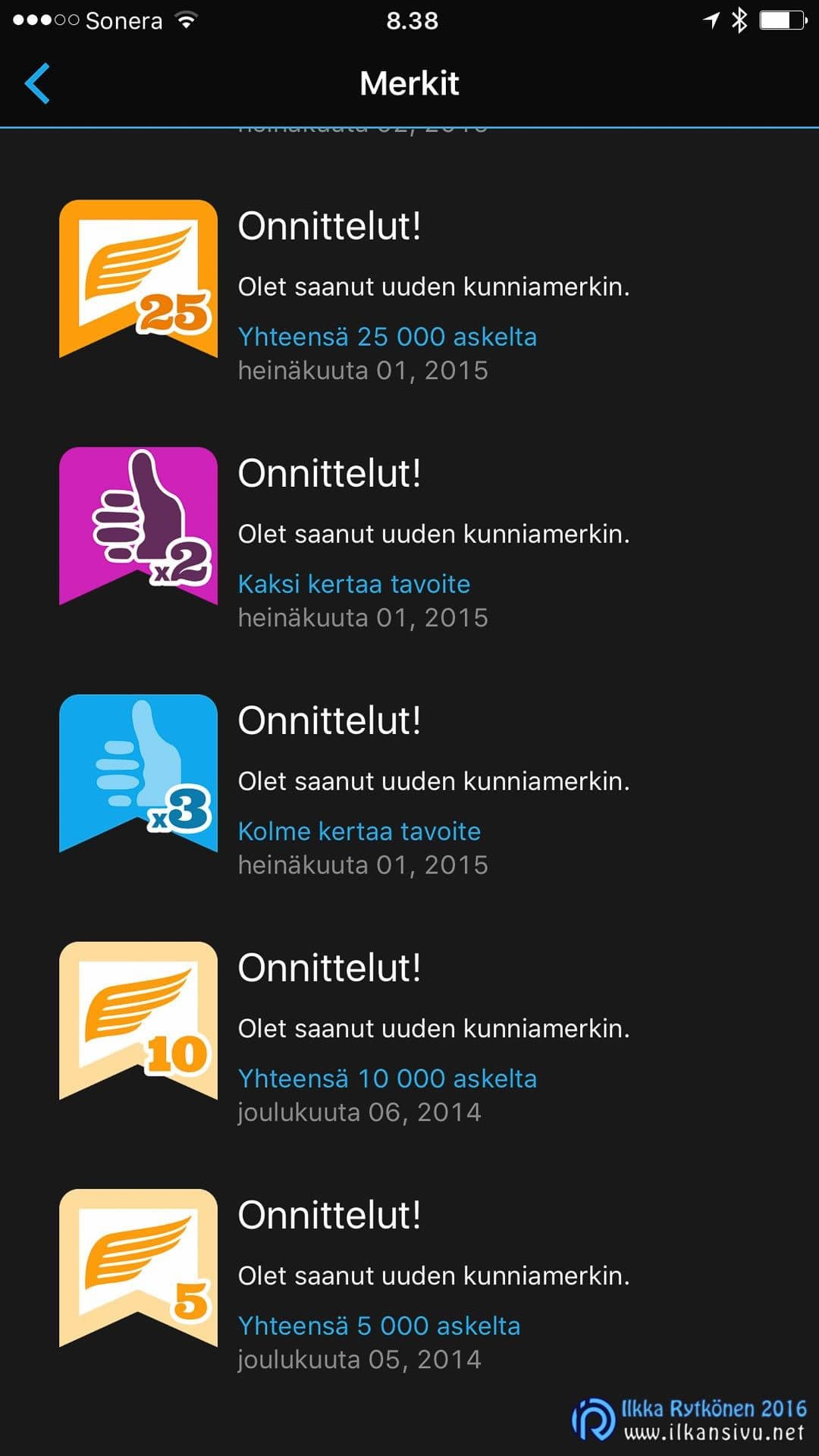
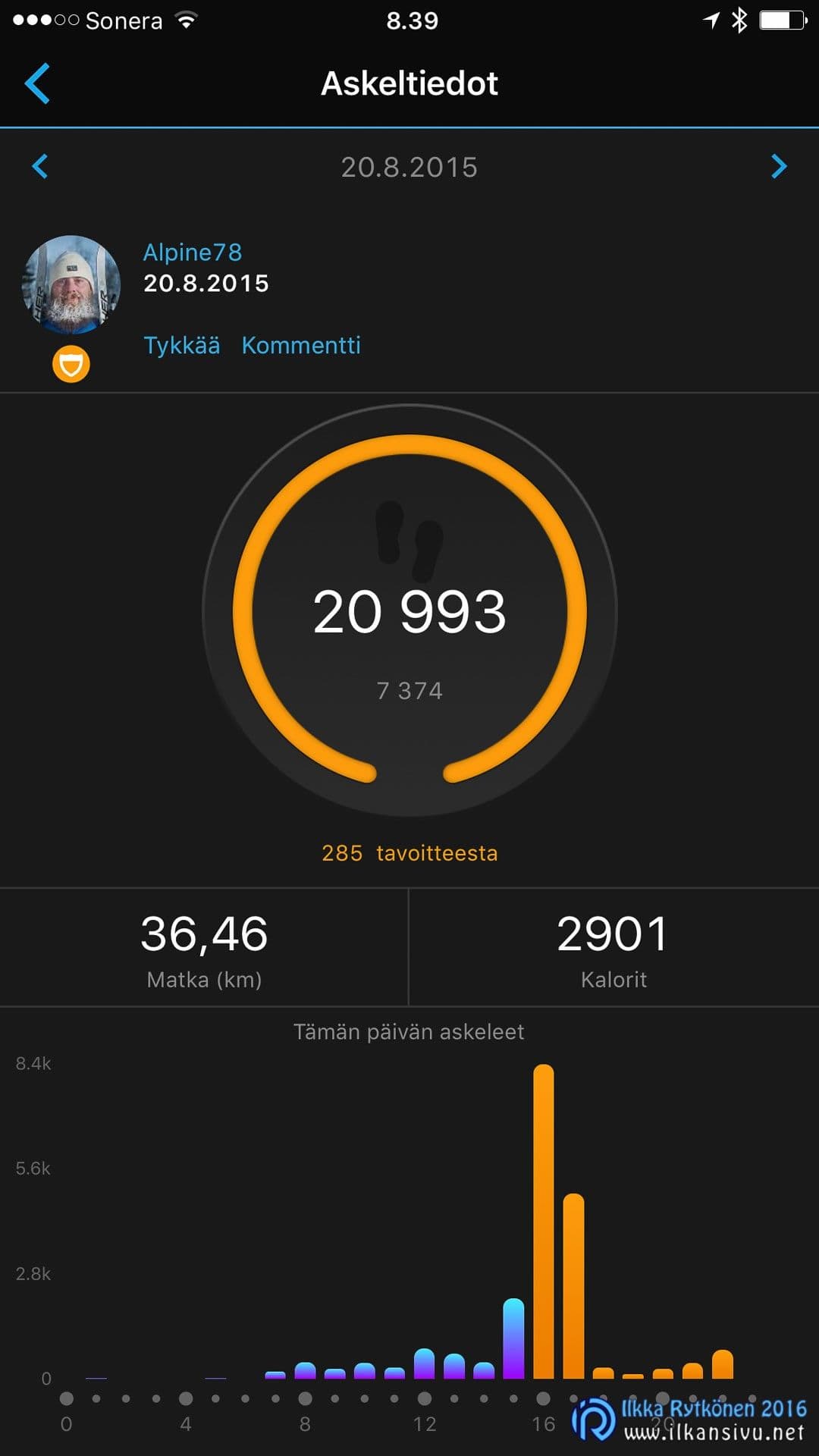
The Vívoactive measures activity all the time and automatically sets a step goal for the day. If you move more, the goal rises. My own goals range between about 7000 and 10000 steps. Activity tracking also adds to the distance travelled and the calories burned, which you can follow in real time. Depending on the watch face, the accumulation of steps is shown as a chart or something similar, which is a good thing. If you stay still for too long, the watch tells you to get moving. Sometimes the watch may tell you to get moving even while you are walking, so it does not work quite perfectly.
Smartwatch
What kind of watch would it be that did not tell you all the time about incoming calls, messages, birthdays and so on. Garmin joins in here: you can see who is calling, as well as, for example, messages, calendar entries and weather information. Social media notifications do not come through. The watch can also control the phone's music player.
By swiping the display sideways you can switch from one widget to another. Widgets can be removed and added from the phone with the help of the mobile app. A pleasant number of different widgets is on offer.
If you have lost your phone, you can set off an alarm sound on the phone from the watch and then find your handset in the crack of the sofa.
Sleep tracking
When going to bed, you can switch on sleep mode from the watch, and likewise in the morning you can tell the watch that you have woken up. But this is not mandatory, as the watch can track sleep well automatically too. This is perhaps helped by the fact that you can enter your normal bedtime and waking time in the settings. But even if you go to sleep at a different time or wake up earlier or later, the watch senses it.
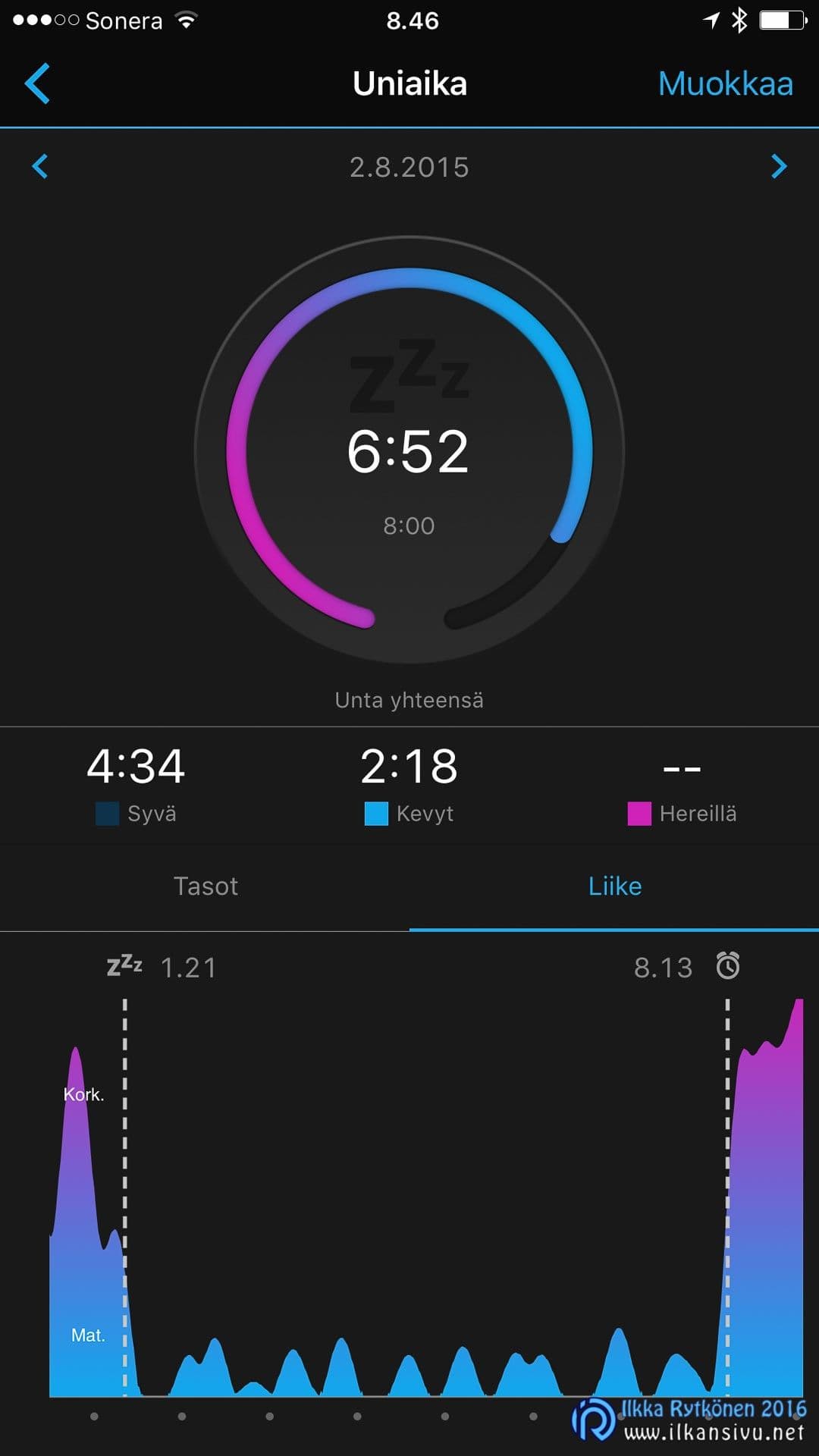
The mobile app shows the events of the night in a commendably clear bar chart and tells you the duration of deep and light sleep and the time spent awake. Another chart, in turn, shows movement during sleep. You can conveniently browse nights forwards and backwards if you want to compare how you felt with the measurement results.
As a heart rate monitor on a run
The Vívoactive does not come with a heart rate strap, but if you intend to use it as a heart rate monitor, you have to buy a strap separately. ANT+ heart rate straps work for this. Although the watch has a Bluetooth Smart connection, Bluetooth straps do not pair with it. The device also supports bicycle sensors.
If you have already put gloves on when heading out for a run, take them off. Otherwise you cannot start recording, because the touch screen does not seem to react to anything with gloves on. Once you have chosen the sport, the timing does start with a physical button. The GPS satellites are found quickly, so that is a plus.
The GPS satellites are found quickly.
The sports available are indeed only cycling, walking and two different indoor activities. Downloadable apps are on offer for, among others, downhill skiing, disc golf, running, swimming and golf with course data. If you record a workout as a run, you can later change the sport to another in the Garmin Connect service. But it would be good if the watch itself offered the same selection of sports directly as is available on the cloud service side.
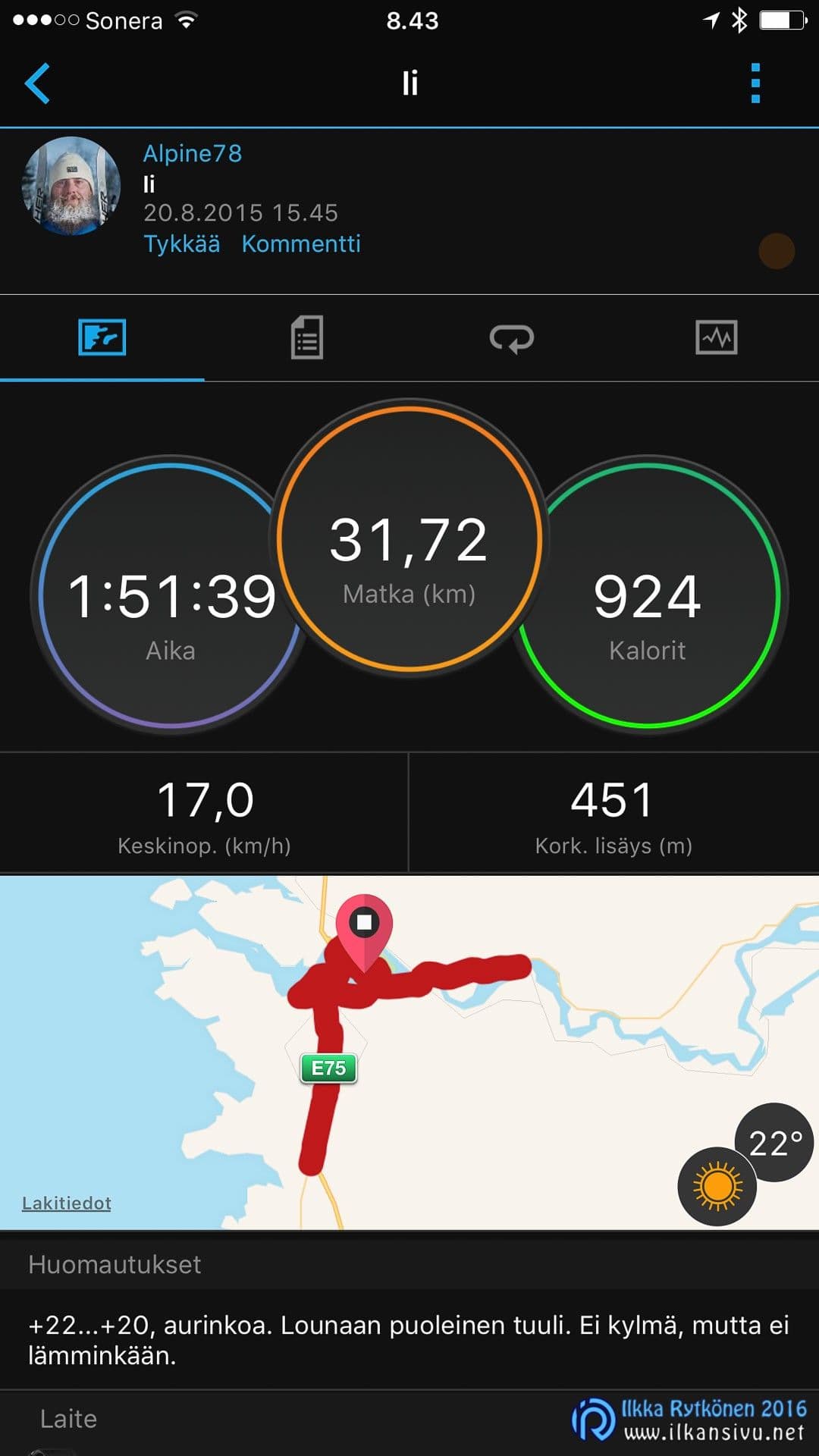
The watch takes an automatic lap time according to some parameter, even if you do not pass through the same point. When you want to take a split yourself, say at the turning point, you cannot. Heart rate zone and other data can be brought into view, if only you can scroll the display to the right place with gloves on. In the default cycling view, distance, time and speed are on offer. The data fields can be edited as you like.
At the end of a run, the workout has to be saved from the touch screen, so you first have to take your gloves off. The workout synchronises to Connect automatically if the phone is nearby. A good thing is that you do not have to carry the phone on the run unless you want to.
Garmin Virb control
Once you load the Virb widget onto the watch, you can use it to remotely control Garmin's Virb action cameras that have a wifi connection. The app is simple, and with it you can only start and stop video recording or take photos.
Garmin Connect cloud service
I would say that Garmin's web-based cloud service is the weakest link in the package. Connect was updated a year or two ago. In practice the service stayed the same; only the look changed a little.
Connect has a great many pages and functions, and it is not easy to find what you want. If I want to see how many kilometres I have roller skated in the summer, the summary has to be made by hand in Excel. Perhaps Connect could show a report somewhere, but despite attempts I have not found it. Garmin could make its cloud service considerably clearer.
If I want to see how many kilometres I have roller skated in the summer, the summary has to be made by hand in Excel
So that not everything would be bad, the weather during a workout is automatically added to the workout details. This is one good thing in Connect that I would like to see in other services too.
I have heard opposing comments about Connect too, so some people consider it good. It is worth registering for the service yourself and trying it out, so you can see its functions. You can, for example, enter made-up workouts manually there and see how it works from your own point of view.
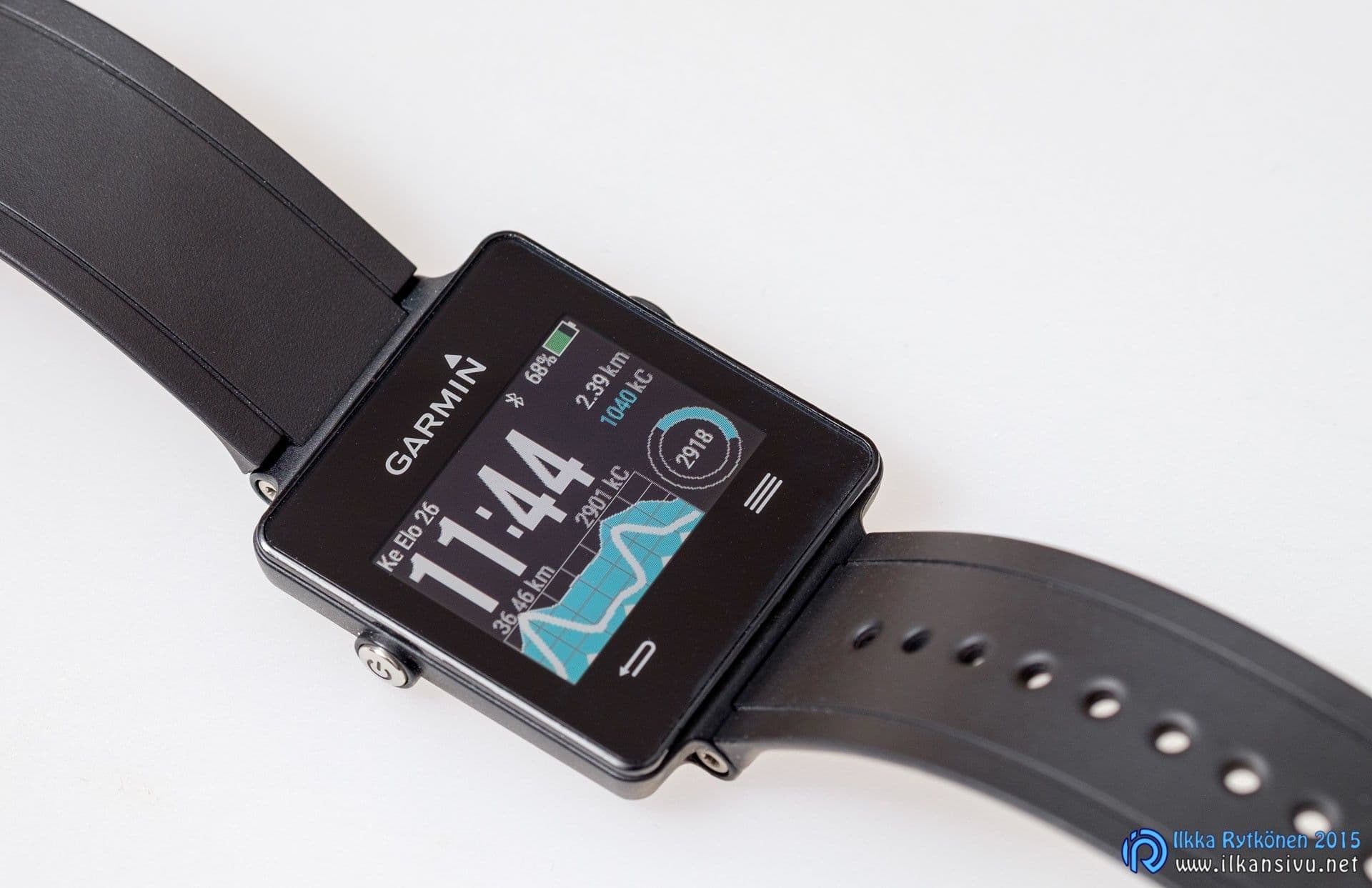
The Connect that works on the phone is, in my opinion, better than the web-based application, although even there I cannot get my skiing kilometres into a report.
Sharing workouts to social media works both from the cloud and from mobile. This has been improved compared with before, and the kilometres now stay in the shared post instead of turning into miles the old way.
The good
- Long battery life
- Automatic synchronisation
- Customisable watch faces
- Firm charging dock
- Downloadable apps and watch faces
- Activity and sleep tracking
- Light and comfortable on the wrist
- Display in sunshine
- Weather added to workouts automatically
The bad
- Touch screen performance
- Few physical buttons
- Suitability for versatile sports
- Garmin Connect cloud service
- Display in cloudy weather or in lower light
Summary
The Garmin Vívoactive works best as a watch, an activity band and a sleep tracker. Perhaps runners, cyclists and golfers will get more out of it, but for my own use its heart rate monitor features are lacking. The device would be better without the poorly working touch screen. Improving the cloud service would also make the product far more appealing.